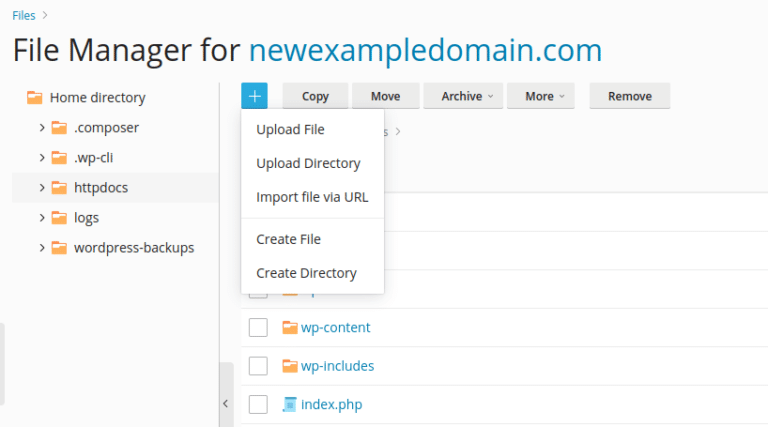
Accessing your WordPress files with Hustly via FTP and file manager
Files on your hosting server are accessible via a web browser based file manager or FTP. The file manager is faster for file transfers,…
Read article
Files on your hosting server are accessible via a web browser based file manager or FTP. The file manager is faster for file transfers,…
Read article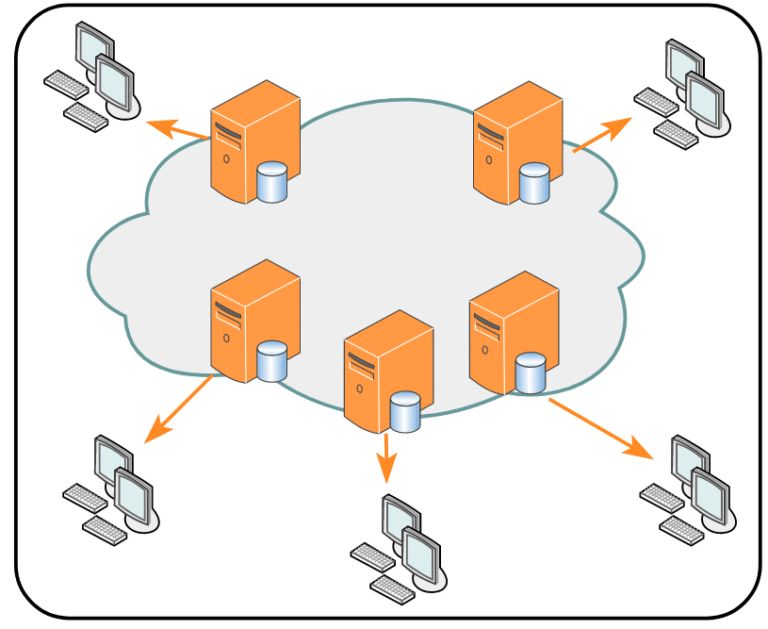
Every website or domain you add to your Hustly account, will have a CDN url allocated to it. This article is guide to demonstrate…
Read article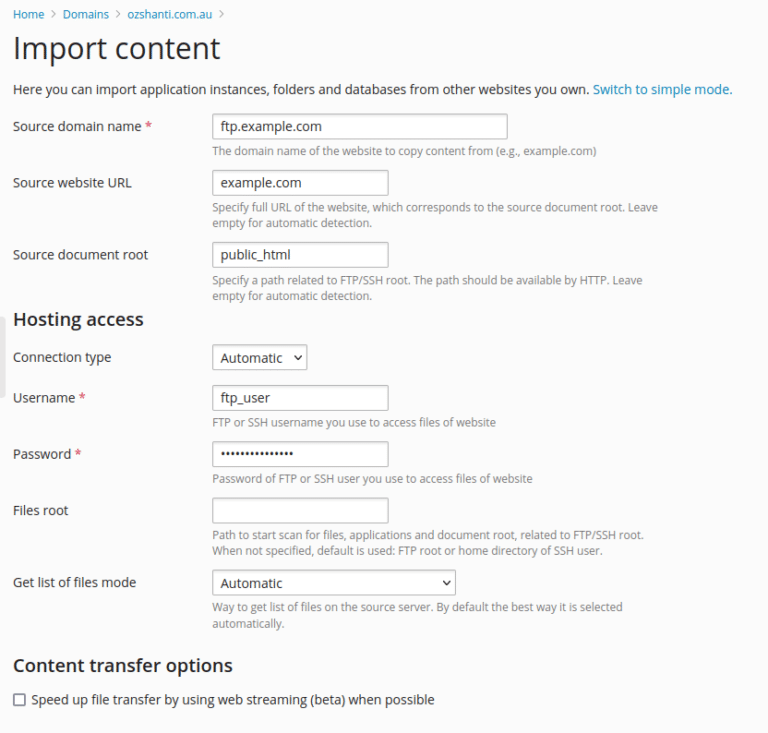
Migrating a WordPress website manually can be a bit technical and time-consuming, but it is not too difficult as there are multiple methods of…
Read article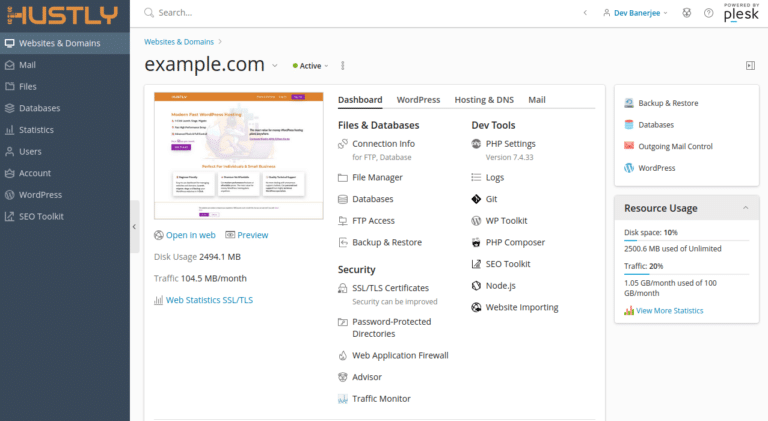
Access your hosting environment via the Plesk admin panel. Easily launch websites, manage domain names, access files and configure your hosting environment.
Read article
This step-by-step guide will help you launch your WordPress website in minutes. If you are a complete beginner and have limited experience with websites…
Read article
First time using Hustly? Learn how to create an account, purchase your first hosting plan, connect your first domain & setup your first hosting…
Read article
We list the 9 reasons why Hustly is the best host for your WordPress website(s). Our suite of integrations, add-ons, & tools makes us…
Read article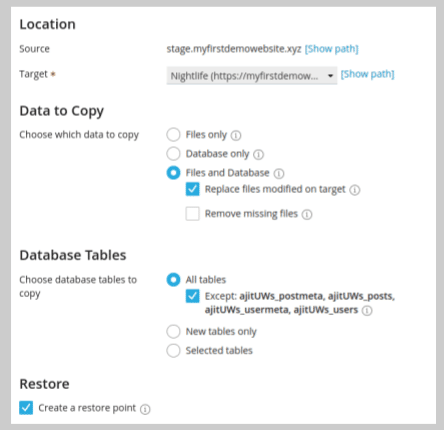
As a website owner, having a staging website is often critical to test new changes. Luckily, if you are on a Hustly managed WordPress…
Read article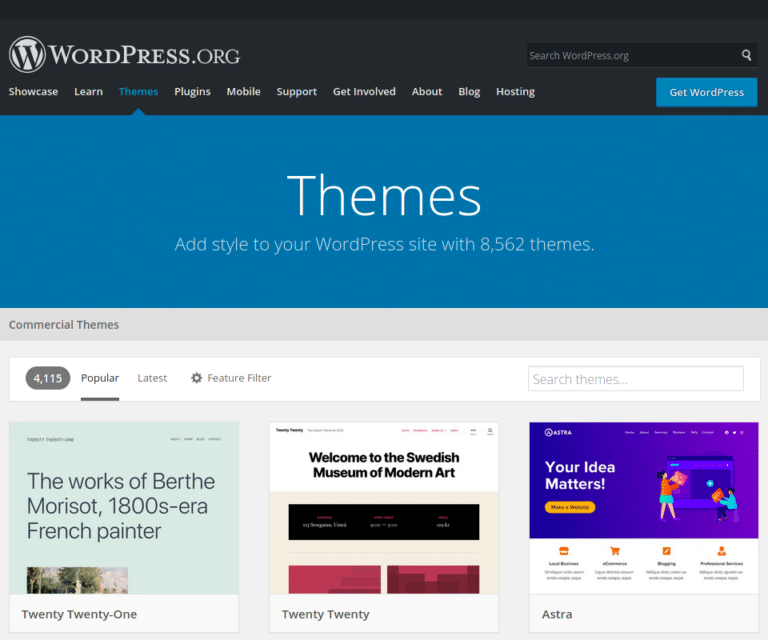
There are over 8500 WordPress themes in the WordPress theme directory, and installing them only takes a few clicks. Here’s our step-by-step guide.
Read article